

Setting Up AI Controls in Libby


Do you want to make sure that what you are reading, hearing, or seeing was created, read, or translated by a human?
Libby can help you out with that! You can set up controls on your Libby account to ensure you only get work by human authors, narrators, translators, and artists.
First, log in to your Libby account. Need some help with that? Here's our step-by-step guide.
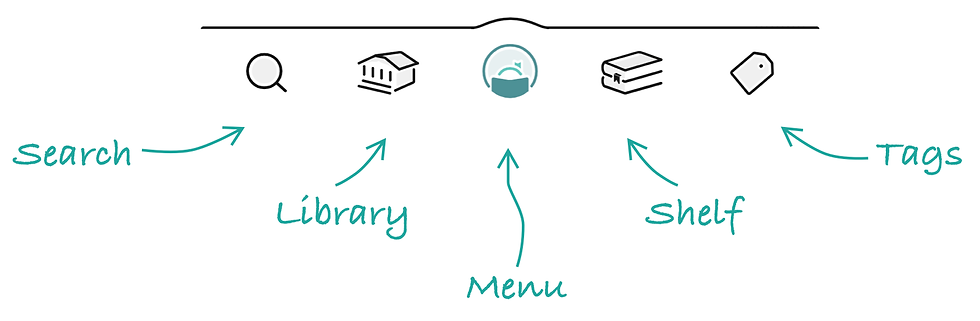
Next go to Menu - it's the circular Libby logo down at the bottom:
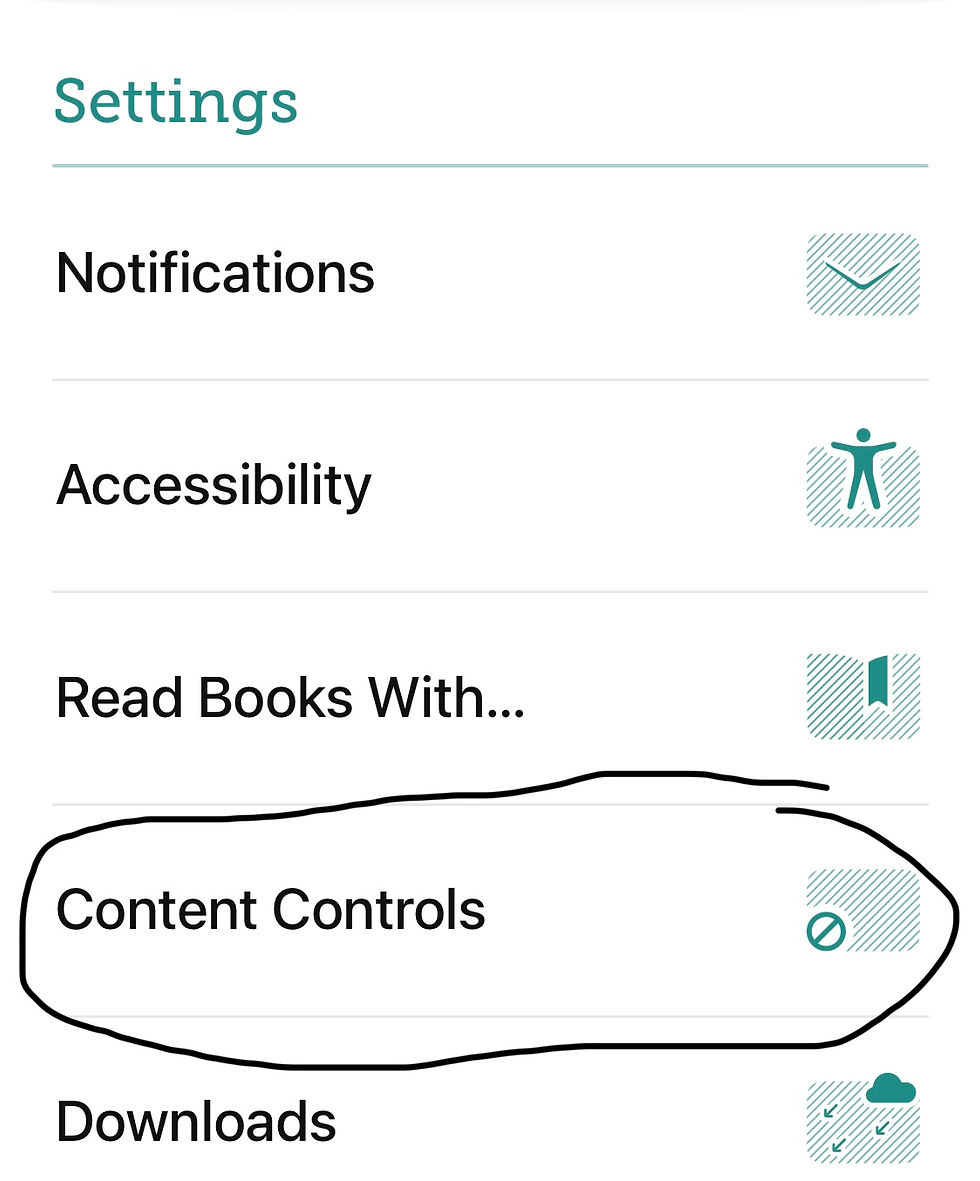
Scroll down to Settings and select Content Controls.
That's where you'll find the settings about AI, as well as Audience (age-based filters).
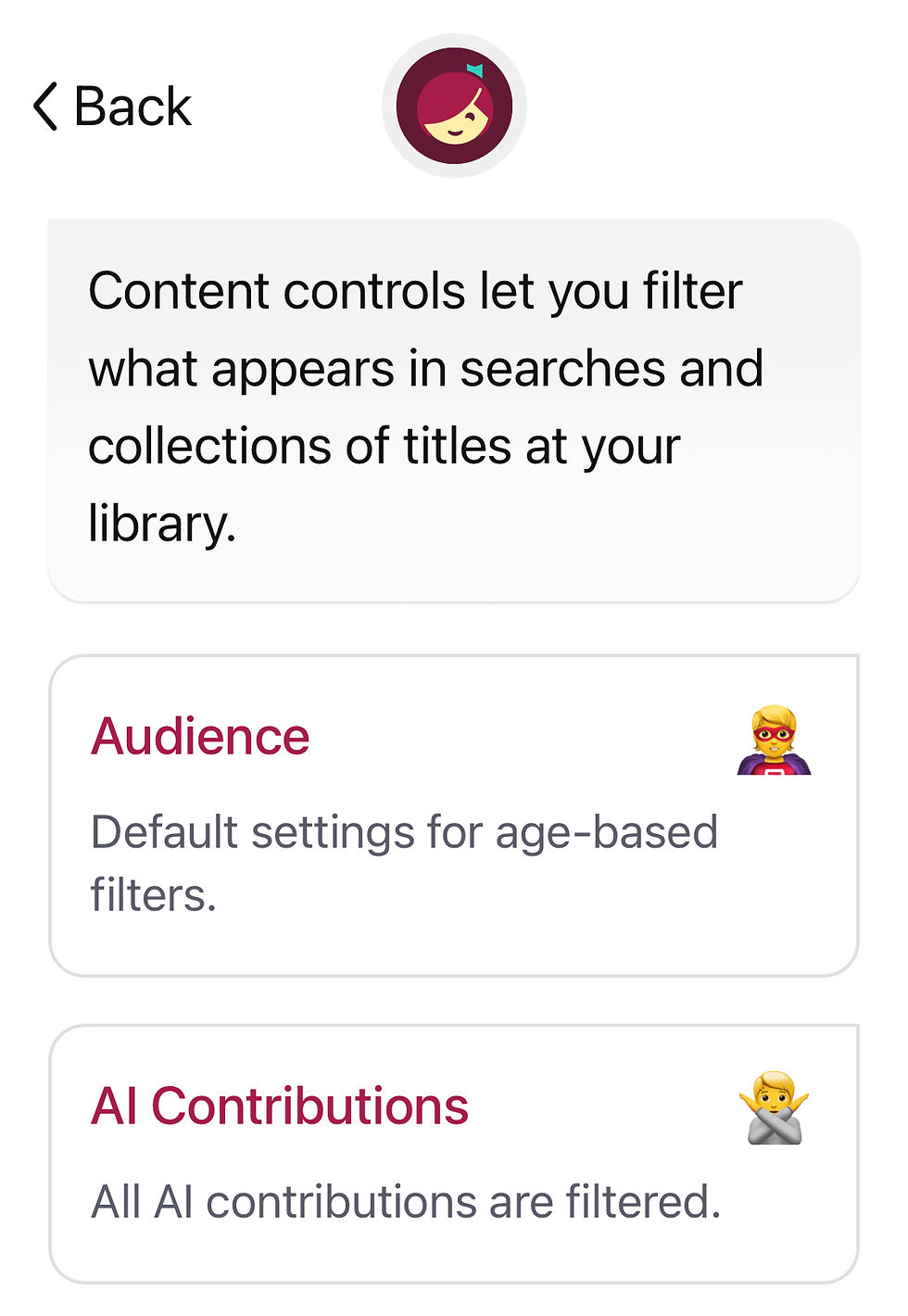
Click on AI Contributions to select filters for different types of content.
Choose whether you want any AI involvement in writing, narrating, translation, or graphics:
You're all set! Any questions? Check out the Libby Help site, ask at your local branch or contact us here.

